
You do not learn Kubernetes by reading documentation. You learn it by breaking a cluster, fixing it, and understanding exactly why it broke. That is the uncomfortable truth behind every "Kubernetes expert" you meet — they are not people who memorized the API reference; they are people who have run enough pods, debugged enough CrashLoopBackOff states, and read enough controller-manager logs to develop instincts. If you have been putting off learning Kubernetes because it looks like a wall of YAML and unfamiliar abstractions, this guide gives you a concrete, step-by-step path that gets you running real workloads far faster than binging tutorials ever will.
Before we dive in, one honest framing: Kubernetes is not the right tool for every problem. If you host a single small app or a static site, a simple VPS or a managed platform is more appropriate. Kubernetes earns its complexity when you need multiple services, autoscaling, rolling deployments, or a team that deploys independently. Learn it because your situation has grown to need it — not because it is the resume buzzword of the year.
You do not learn Kubernetes by reading documentation. You learn it by breaking a cluster, fixing it, and understanding exactly why it broke. That is the uncomfortable truth behind every "Kubernetes expert" you meet — they are not people who memorized the API reference; they are people who have run enough pods, debugged enough CrashLoopBackOff states, and read enough controller-manager logs to develop instincts. If you have been putting off learning Kubernetes because it looks like a wall of YAML and unfamiliar abstractions, this guide gives you a concrete, step-by-step path that gets you running real workloads far faster than binging tutorials ever will.
Before we dive in, one honest framing: Kubernetes is not the right tool for every problem. If you host a single small app or a static site, a simple VPS or a managed platform is more appropriate. Kubernetes earns its complexity when you need multiple services, autoscaling, rolling deployments, or a team that deploys independently. Learn it because your situation has grown to need it — not because it is the resume buzzword of the year.
Start with the Mental Model, Not the YAML
Five concepts explain 80 percent of what Kubernetes does, and if you understand these before you write a single manifest, everything else clicks into place:
- Nodes: the machines (physical or virtual) in your cluster where work runs.
- Pods: the smallest deployable unit — one or more containers that share a network and storage.
- Deployments: the declarative controller that manages replicas of your pods and handles rolling updates and rollbacks.
- Services: a stable network endpoint that load-balances traffic to a set of pods.
- Ingress: the entry point that routes external HTTP/S traffic to services, often with TLS termination.
Everything else — ConfigMaps, Secrets, PersistentVolumes, StatefulSets, Namespaces — is a refinement of these building blocks. If you can explain what each of the five does in a sentence, you already understand more than most people who have "touched Kubernetes."
Set Up a Local Environment That Costs Nothing
You do not need a cloud cluster or a paid course to start. The fastest realistic setup is local tooling that mimics production behavior without the bill:
- Install Minikube or kind.
Minikube gives you a single-node cluster with nice developer tooling; kind runs Kubernetes in Docker and is ideal if you already use containers. Both are free and run entirely on your machine.
- Install kubectl — the command-line tool that talks to any cluster. It is the one binary you will use constantly.
- Bleed a tiny Dashboard or use Lens if you prefer a GUI, but learn the CLI first.
A good first goal is not an app — it is getting kubectl get nodes to return a Ready node. Once you see that, you have a real cluster, and everything after is incremental.
Deploy Your First Real Workload Step by Step
Skip the "hello world" nginx tutorial that every blog repeats and deploy something that exercises real Kubernetes behavior — a small two-tier app with a frontend and a backend. This is where learning actually happens. The concrete sequence:
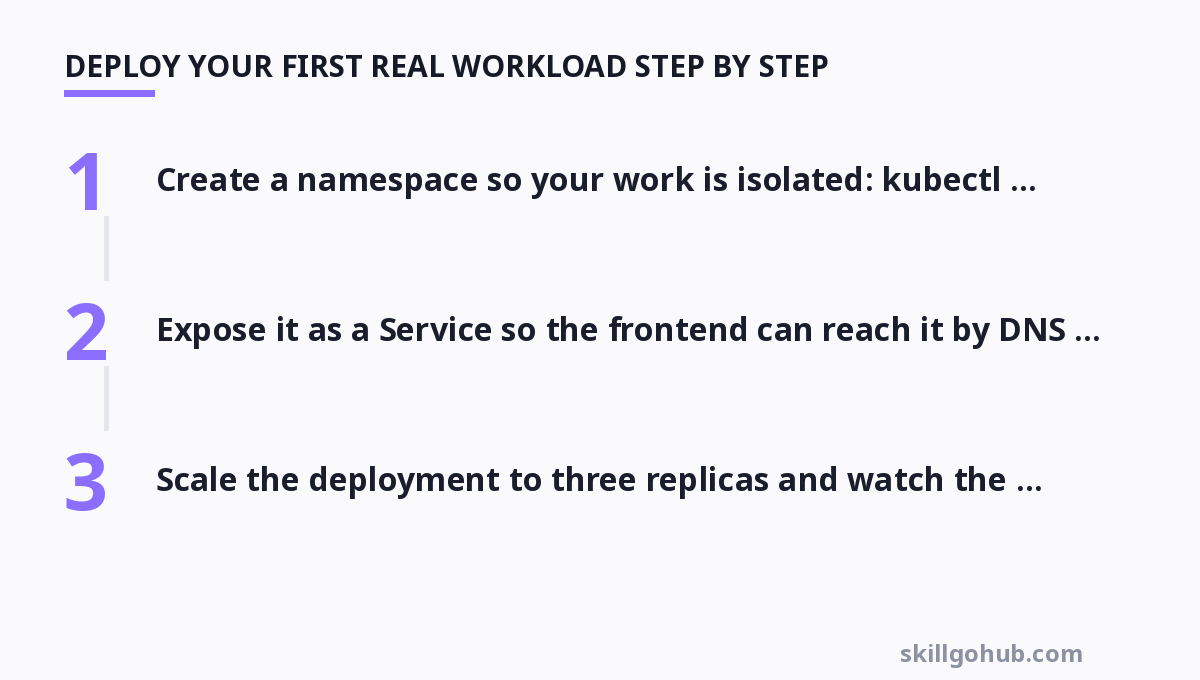
- Create a namespace so your work is isolated:
kubectl create namespace demo. - Write a deployment manifest for the backend that requests CPU/memory and sets resource limits. This forces you to think about scheduling and the cluster capacity.
- Expose it as a Service so the frontend can reach it by DNS name.
- Write a ConfigMap for configuration that should change between environments, and a Secret for anything sensitive.
- Scale the deployment to three replicas and watch the cluster rebalance the pods.
- Trigger a rolling update by changing a label or image tag, then roll it back mid-deploy to see both the update and rollback mechanics.
Each step teaches a concrete concept: scheduling, networking, config, scaling, and lifecycle. If you can get through this flow without documentation, you have internalized the core well enough to tackle bigger things.
Debugging: The Skill That Makes You a Real User
The moment a pod goes into CrashLoopBackOff, the tutorial-level fun stops and real learning begins. Almost every beginner hang-up is a debugging problem, and the habits you build here transfer to production. A practical debugging order:
kubectl get pods— check the state and which namespace it is in.kubectl describe pod <name>— read the Events and Conditions sections first; they usually name the cause (image pull failure, unschedulable, liveness probe failing).kubectl logs <name>— read the actual application output; if it exited immediately, this is where you see why.kubectl exec -it <name> -- sh— get in and inspect the running environment when logs are not enough.- Check the controller-manager and scheduler logs when nothing about the pod makes sense — the control plane is usually the last place beginners think to look and the first place real answers hide.
Being methodical here separates people who learn Kubernetes from people who abandon it. Write down the state, form a hypothesis, verify with logs, and only then change the manifest.
Comparing Managed Kubernetes Platforms by Real Cost and Effort
Once you are ready to move beyond your laptop, you will likely use a managed Kubernetes service rather than run your own control plane. The main offerings differ meaningfully in cost, operational overhead, and integration. Here is how to choose.
| Platform / Tool | Key Features | Pricing |
|---|---|---|
| Amazon EKS | Deep AWS integration, managed control plane, huge ecosystem, Fargate option for serverless pods | ~$73/month control plane + node costs |
| Google Kubernetes Engine (GKE) | Autopilot mode, smooth upgrades, strong scaling and observability defaults | ~$74/month management fee, Autopilot usage-based |
| Azure Kubernetes Service (AKS) | MSFT ecosystem integration, free control plane, tight Entra identity binding | Free control plane; pay for nodes only |
| DigitalOcean Kubernetes | Simple, predictable pricing, minimal lock-in, easy networking | Free control plane; node droplets from ~$12–24/month |
| Rancher / k3s | Lightweight Kubernetes (k3s) for edge/dev, multi-cluster management UI | Open source, free self-hosted |
| Minikube / kind (local) | Zero-cost learning, local single/multi-node, CI-friendly | Free |
For learning and small production with minimal overhead, DigitalOcean or k3s gives you the most K8s per dollar. For enterprise workloads already on a major cloud, the first-party managed service usually wins on support and integration despite the monthly control-plane fee. AKS's free control plane and EKS's breadth are the two strongest arguments in that tier.
Security Basics Before You Hit Production
Security is not a phase you bolt on after Kubernetes is "working" — it is a set of defaults you should adopt the day you start. Three genuinely important, beginner-reachable habits:
- Principle of least privilege for service accounts; do not run everything as root or with cluster-admin.
- Network policies to restrict which pods can talk to each other; the default "everything can talk to everything" is a footgun.
- RBAC discipline — grant roles by name and scope, and review them before they quietly accumulate.
These are harder to retrofit than to start, which is why most teams who learn the hard way wish they had internalized them earlier. If you want depth on the threat model side before you expose anything, the guidance around Kubernetes security basics covers the control-plane and workload protections in more detail — and the same least-privilege habit you build securing a Kubernetes cluster is what keeps service accounts from becoming production-sized footguns later.
Operations: What Happens When It Breaks at 3 A.M.
Running a cluster is an operations job, and the operations skills are what turn a hobbyist into someone who can be trusted with production. The operational discipline worth practicing deliberately includes:
- Backups and disaster recovery for cluster state and persistent volumes — test a restore, not just a backup.
- Monitoring and alerting on pod health, node capacity, and API-server errors before users complain.
- Upgrade rehearsal on a staging cluster before touching production.
- Rollback rehearsals, because a fast, practiced rollback beats a perfect deployment every time.
If you come from a traditional sysadmin or cloud background, the mental shift is real: Kubernetes shifts mental weight from patching machines to declaring state and letting the platform converge. Configuring steady-state, not firefighting, becomes the job. This is squarely the territory of DevOps fundamentals in 2026, where automation and declarative infrastructure are the baseline rather than the bonus.
Beyond the Basics: Your Next Three Milestones
Once you can reliably deploy, scale, update, and debug a small workload, set three concrete milestones that force you to grow:
- Stateful workloads: run a database with a PersistentVolume and a StatefulSet, understand ordering and storage binding, and survive a node restart without data loss.
- GitOps: move your manifests into a repo and apply them via a GitOps tool (like Argo CD or Flux) so the cluster state is a code review away from production.
- For a multi-environment story: use Helm charts or Kustomize to manage the same app across dev, staging, and production without copy-pasting manifests.
Each of these is a real, interview-worthy capability, not a checkbox. And if your goal is a resilient, observable platform rather than only the K8s abstraction itself, pairing the container orchestration skill with sound rounds out what "running production safely" actually means today. If the learning path here feels like a lot, a structured Kubernetes basics course can sequence the same milestones for you, but you should still follow along on a live cluster rather than only watching.
For more, check out: .
For more, check out: and mlops basics.
Frequently Asked Questions About Learning Kubernetes
How long does it realistically take to become productive with Kubernetes?
Plan for about four to six weeks if you can spend five to ten hours a week on a local cluster. Most people are productive enough to deploy and scale simple workloads between weeks three and five, and take another few months to feel confident debugging production issues and managing stateful services. The pace depends far more on how much you build and break than on how many tutorials you watch.
Can I learn Kubernetes without Docker, or do I need containers first?
You need at least a working mental model of containers. Kubernetes schedules and manages containers, so you cannot operate clusters well without understanding images, ports, volumes, and the container runtime. You do not need to be a Docker advanced user, but you should be able to build and run a container image before you try to schedule it.
Should I learn on Minikube/kind first or go straight to a cloud-managed service?
Learn on Minikube or kind first. They are free, run locally, and give you unfiltered access to the underlying mechanics and logs that managed services abstract away. Once you understand the primitives and debugging workflow locally, moving to a managed service like GKE or EKS becomes a matter of learning that provider's conventions rather than learning Kubernetes from scratch.
Which managed Kubernetes service is cheapest to learn on?
DigitalOcean Kubernetes and Azure AKS have free control planes, so you only pay for worker nodes, and both let you stand up a small cluster cheaply for learning. k3s on your own machine or a low-cost VPS is the absolute cheapest, since it is free and lightweight. Avoid paying a ~$70/month control-plane fee (EKS, GKE) purely for learning when the free-tier options teach the same skills.
Do I need to learn Helm right away, or is plain YAML enough to start?
Plain kubectl and YAML manifests are enough for your first month. Helm becomes valuable once you have several environments or want to package and version a reusable deployment. Learning Helm before you can write and debug a plain Deployment usually just adds confusion; get comfortable with the five core concepts first and pick up Helm as your configs start to repeat.
Make Learning Sticky by Building, Not Binge-Watching
The fastest learners all converge on one habit: they build something real and let it break. A deliberately tiny, ugly, personal project that you struggle to keep running will teach you more in a weekend than a month of passive tutorials. Start your local cluster, deploy a genuinely non-trivial app, break it on purpose, and fix it with logs and describe. That cycle — build, break, debug, fix, document — is the entire difference between knowing about Kubernetes and actually being able to run it. Do one such cycle per week for a month and you will be operating clusters with a confidence most people never reach because they never stopped reading long enough to start doing.
Get one practical tool tip a week
Short, useful, no spam. Unsubscribe anytime.