
Every day, you are solving problems. Whether it’s debugging a stack trace, negotiating a deadline, or figuring out why your conversion rate dropped, your ability to think clearly under pressure determines your output. Yet, most of us rely on the same two tactics: brute force trial and error, or asking a colleague. This article breaks down six structured problem-solving techniques, compares the digital tools that support them, and answers the hard questions about when to use what.
Why Structured Techniques Beat "Gut Feel"
The human brain is wired for pattern recognition, not logical deduction. When you face a novel issue, your cognitive bias defaults to the most recent solution that worked, even if it is irrelevant to the current context. Structured problem-solving techniques force you to slow down and separate the symptom from the root cause. This is not about bureaucracy; it is about reducing the variance in your decision-making. By adopting a formal framework, you shift from reactive thinking (what feels right) to active analysis (what the evidence supports). This is particularly critical when you are learning new skills, such as Learn Python Basics 2026, where debugging requires a systematic approach rather than random code tweaks.
Technique 1: The 5 Whys (Root Cause Analysis)
Developed by Sakichi Toyoda for the Toyota Production System, the 5 Whys is the most direct method for drilling down to a root cause. It is deceptively simple: you state the problem, then ask "Why?" five times. Each answer forms the basis of the next question.
Example in practice:
- Problem: The website is loading slowly.
- Why? Because the server CPU is at 100%.
- Why? Because a new deployment has an infinite loop.
- Why? Because the code review missed a logic error in the loop condition.
- Why? Because the developer did not test the edge case of a null pointer.
- Why? Because there is no automated test coverage for null inputs.
The catch: This technique fails when you do not have the domain knowledge to answer the "Why" accurately. If you hit a wall where you don't know the answer, you must switch to a data-gathering mode. It is excellent for operational failures but weak for complex, multi-system issues where there is no single root cause.
Technique 2: The Eisenhower Matrix (Priority-Based Solving)
Not all problems are worth solving. The Eisenhower Matrix helps you triage issues based on urgency and importance. This is a critical pre-step to problem solving because it prevents you from wasting cognitive energy on low-impact tasks.
- Quadrant 1 (Urgent & Important): Solve immediately (server down, legal issue).
- Quadrant 2 (Not Urgent & Important): Schedule time to solve (strategy, skill building).
- Quadrant 3 (Urgent & Not Important): Delegate (most emails, interruptions).
- Quadrant 4 (Not Urgent & Not Important): Delete (mindless scrolling).
This technique is less about "how" to solve and more about "whether" you should. It works best when combined with Time Blocking, where you allocate specific slots for Quadrant 2 activities. Without scheduling, the urgent-but-unimportant tasks will always eat your day.
Technique 3: The SCAMPER Method (Creative Ideation)
When you need a novel solution, SCAMPER is a brainstorming checklist that forces you to look at a problem from seven different angles: Substitute, Combine, Adapt, Modify, Put to another use, Eliminate, Reverse.
This is the opposite of root-cause analysis. Instead of looking backward to find the fault, you look forward to invent the fix. For example, if your problem is "users are not completing the onboarding flow," you might:
- Substitute: Replace the video tutorial with a text checklist.
- Combine: Merge the "sign up" and "preferences" steps into one page.
- Eliminate: Remove the mandatory phone verification.
SCAMPER is ideal for product design and marketing problems where there is no "right" answer, only a better one. It requires a high tolerance for ambiguity and works best in group settings where diverse perspectives can feed the checklist.
Technique 4: The Pareto Principle (The 80/20 Focus)
Often, we over-engineer solutions. The Pareto Principle suggests that 80% of the effects come from 20% of the causes. In problem-solving, this means you should identify the one or two variables that are causing the majority of the pain and fix those first.
This is a prioritization hack. If you have a list of 20 bugs, it is highly likely that 4 of them are causing 80% of the user complaints. Fix those four and ship. Do not try to solve every minor issue in the same sprint. This technique requires you to have data—you cannot guess which 20% is the critical one. Look at your analytics, your customer support tickets, or your error logs to identify the heavy hitter.
Technique 5: The "Two-List" Strategy (Trade-off Analysis)
Sometimes, the problem is not that you don't have options; it's that you have too many. The Two-List strategy, popularized by Warren Buffett, is about forced prioritization. Write down your top 25 goals or solutions. Circle the top 5. The list of 20 that you did not circle are now your "avoid-at-all-costs" list. They are distractions that will dilute your focus.
In a technical context, this helps you kill "zombie projects" or deprecated features that are consuming maintenance time. It is a brutal but effective way to free up resources. This technique aligns well with a Deep Work Routine Plan, as it requires you to define what you are not going to do, which is harder than deciding what to do.
Tooling Up: Software to Support Your Process
While pen and paper work, software accelerates the data gathering and tracking phases of problem solving. Here is a comparison of the tools I have used that actually change the workflow, not just digitize a notebook.
| Tool | Best For | Pricing Model | Real Cost (2026) | Key Limitation |
|---|---|---|---|---|
| Xmind | Visualizing root cause trees and SCAMPER maps. | Freemium | Free tier limited; Pro is $59.99 one-time. | Collaboration is clunky; real-time editing requires a paid workspace. |
| Notion | Centralizing problem logs and tracking action items. | Per-seat subscription | Free for personal; Business plan is $10/user/month (billed annually). | Can become a "database management" project itself, distracting from the actual problem. |
| Miro | Remote team brainstorming for complex, multi-stakeholder issues. | Per-editor subscription | Free tier with limited boards; Team plan is $8/user/month. | Overkill for simple 5 Whys; high learning curve for non-technical users. |
| Airtable | Tracking bug triage and Pareto analysis (80/20). | Per-seat subscription | Free tier; Team plan is $20/user/month. | Requires you to build the logic; it is a database, not a problem-solving tool out of the box. |
| Whimsical | Quick flowcharts for decision trees and process mapping. | Freemium | Free tier; Pro is $10/user/month. | Limited diagramming capabilities compared to Lucidchart; not for heavy data. |
| Obsidian | Linking notes between problems and solutions (Zettelkasten). | Free for personal use | $0 (Sync service is $4/month, optional). | Steep learning curve; you have to set up the system yourself. |
Honest take: Do not buy software to solve a problem you haven't defined yet. Start with a whiteboard or a text editor. If you find yourself losing information or unable to share it with a remote team, then add a tool. Miro is excellent for brainstorming but terrible for tracking the execution of the fix. Use Notion or Airtable for the tracking phase, not the ideation phase.
Combining Techniques: A Practical Workflow
No single technique works in isolation. A robust workflow looks like this:
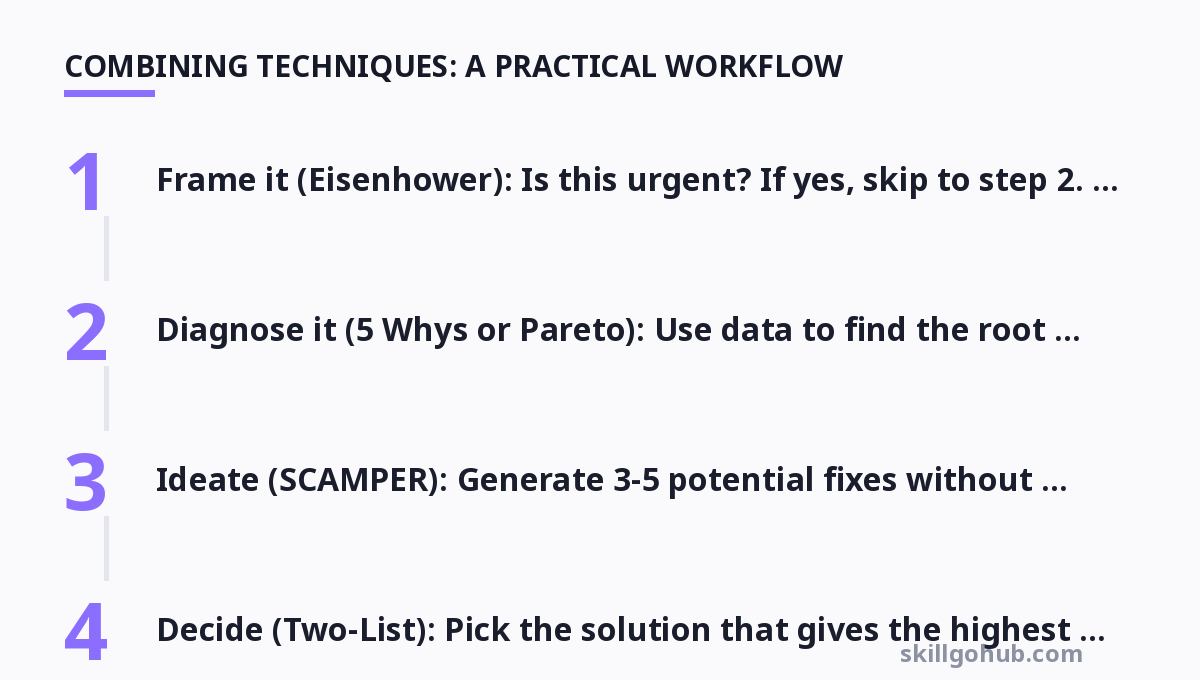
- Frame it (Eisenhower): Is this urgent? If yes, skip to step 2. If not, schedule it.
- Diagnose it (5 Whys or Pareto): Use data to find the root cause or the heavy-hitting 20%.
- Ideate (SCAMPER): Generate 3-5 potential fixes without self-censoring.
- Decide (Two-List): Pick the solution that gives the highest ROI and kill the others.
- Execute & Review: Implement, measure, and go back to step 1 if the metric didn't move.
This hybrid approach prevents the "analysis paralysis" of pure brainstorming and the "tunnel vision" of root-cause analysis alone. It forces you to be both creative and analytical.
For more, check out: top 10 productivity tools to boost your workflow in 2026 and problem solving framework.
Frequently Asked Questions
1. What is the difference between a problem and a task?
A task is a defined piece of work with a known outcome. A problem is a deviation from an expected outcome where the cause is unknown. You don't "solve" a task; you complete it. You don't "complete" a problem; you resolve it. If you confuse the two, you will try to "power through" a problem with brute force instead of diagnosing it, which leads to wasted effort.
2. When should I stop using the 5 Whys technique?
Stop when the answer to "Why" becomes a human error or a process failure that you cannot change. For example, if the root cause is "The developer was tired," you cannot fix tiredness. You must stop there and pivot to a solution like "Add automated checks" or "Enforce code review." If you keep asking why, you will end up in philosophical territory, not actionable territory.
3. Can these techniques be used for personal problems, or are they only for work?
They work universally. The Eisenhower Matrix is essentially a life-hack for prioritizing your health, finances, and relationships. The 5 Whys is excellent for figuring out why you keep procrastinating (hint: the root cause is usually fear of a poorly defined task, not laziness). The framework is agnostic to the domain; it only cares about logic.
4. How do I choose between SCAMPER and the 5 Whys?
If you have a broken process that used to work (a regression), use the 5 Whys. If you have a new challenge with no existing process (greenfield), use SCAMPER. The former is detective work; the latter is invention. Using the wrong one leads to frustration—you cannot invent your way out of a bug, and you cannot debug your way into innovation.
5. Is there a risk of over-analyzing a simple problem?
Yes. This is called the "bicycle problem." If a wheel is flat, you don't need a
Get one practical tool tip a week
Short, useful, no spam. Unsubscribe anytime.